Get an email when a Shopify import finishes
Large imports can take a few minutes to push all your products to Shopify. Instead of watching the progress bar, you can have Csvio email you a summary when the import finishes.
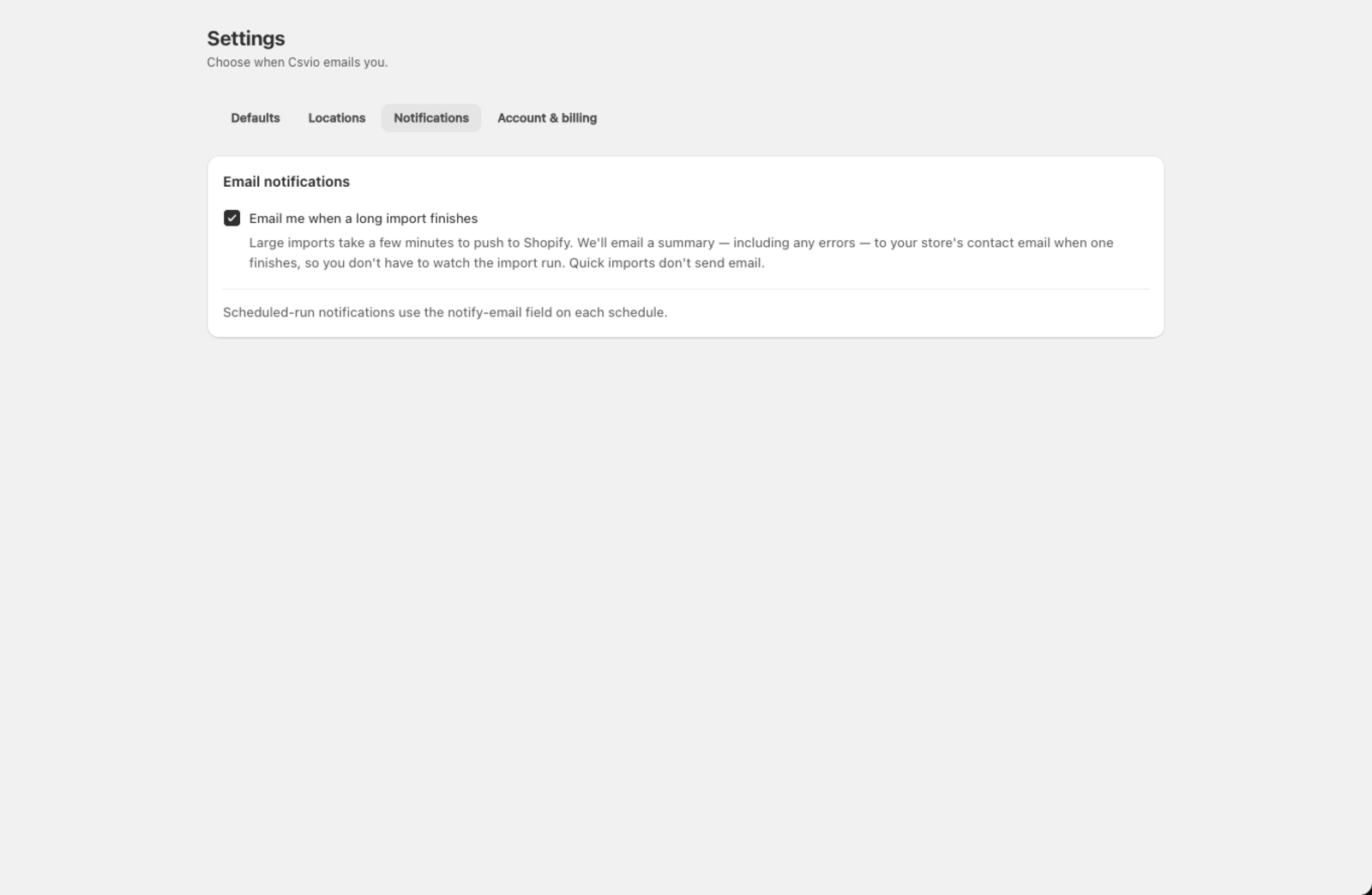
How do I get an email when an import finishes?
- Go to Settings > Notifications.
- Check Email me when a long import finishes.
Csvio sends a summary — including any errors — to your store's contact email when a large import completes. Quick imports that finish in a few seconds don't trigger an email.
How do I turn off import emails?
Uncheck the same box to stop receiving import completion emails. The change takes effect immediately.
What does the email include?
Each notification email contains:
- The filename that was imported
- How many products were created, updated, or failed
- A link back to the import results in the app
- Error details if any rows failed
How do I get emails for scheduled imports?
Looking for notifications about scheduled imports? Those are configured per-schedule, not here. When creating or editing a schedule, enter the email address in the Notification email field on that schedule. See Schedule automatic supplier imports for details.
Which email address is used?
Import completion emails are sent to your store's contact email (the one set in Shopify admin under Settings > Store details). To change it, update your store contact email in Shopify.
Still need help? Click the chat button in the bottom-right corner of Csvio, or email [email protected].